Did CodyNick Send/Issue That?
Your guide to recognizing authentic CodyNick Issued Credentials and communication.
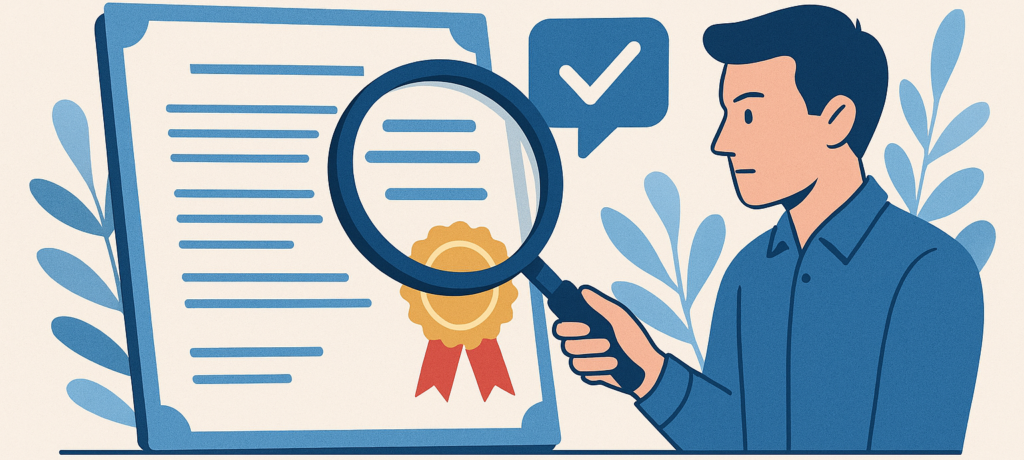
Emails Sent by CodyNick
Phishing scams (emails or communications which impersonate a business and ask customers for payments or personal information) have become very common in the recent years. If you receive an Email from CodyNick and it doesn’t sound right, make sure to check the following:
- CodyNick sends email exclusively from these domain names. We will update this list if new domains are used. Email addresses from these domains will end with these domains, just like Gmail addresses end in “gmail.com”:
- codynick.com
- codynick.org
- codynick.info
- CodyNick ID emails (regarding your CodyNick account) are of one of these three types:
- Account activation emails: These are the only emails sent from CodyNick ID that contain a link. You will need to open the link in order to activate your account, but you will not need to enter any information. Make sure the link starts with “https://id.codynick.com….” before you click.
- Password reset emails: These will contain a link as of May 2026. By clicking the link, you will be automatically logged into your account. Before entering any information after you use the link, ensure that the page URL starts with “https://id.codynick.com….”
- Activation Confirmation emails: These emails do not contain any links or important information, and are sent after an account is successfully activated (or reactivated).
- CodyNick will never ask you to pay anything with the only payment option being cryptocurrency or gift cards of any kind. Furthermore, if you ever receive an email or message asking you to pay a large amount to CodyNick or any of its affiliates, it is best to message CodyNick and/or that affiliate directly before taking any action.
- CodyNick currently does not use automated SMS/WhatsApp/Telegram messages. If you receive a message from CodyNick from any of these channels (or any channel other than email), be sure to verify that you are talking to a CodyNick affiliate or staff member prior to taking any action.
- If in doubt about the authenticity of an email you received, please send a support ticket to us and attach the email (preferably in a .eml file format) that you received, and we will investigate it’s authenticity.
CodyNick Credentials
CodyNick issues a variety of credentials to it’s students and affiliates. Some examples include:
- Official Course Completion Certificates (multiple formats)
- Unofficial Course Completion Certificates
- Instructor Certificates (wallet cards)
- Affiliate Authorization Certificates
- CodyNick ID Cards
All of the following credentials are issued with a unique certificate code consisting of letters and numbers, and a verification QR code, except for CodyNick ID Cards, which come with standard barcodes and CodyNick ID numbers (no letters) and Unofficial Course Completion Certificates, which do not have any codes or numbers.
To verify a credential other than a CodyNick ID Card or Unofficial Course Completion Certificate:
- Scan the QR code on the front or back of the document. This will lead you to a webpage, displaying the name on the certificate, the course or credential name, and if applicable, the expiry date. Make sure all of these information match those on the document. Make sure the web address starts with “lms.codynick.com” or “learn.codynick.com”. Note that no affiliate or instructor certificates will be issued from learn.codynick.com.
- If the steps above fail or you have doubts about the authenticity of the QR code link, go to https://lms.codynick.com/mod/customcert/verify_certificate.php or https://learn.codynick.com/mod/customcert/verify_certificate.php (This link is currently inactive and will be activated soon) and enter the certificate code (letters and numbers – for example 8Diwe3Es) to manually verify authenticity. Note that only one of these will confirm the validity of the certificate, depending on the issue date and type of certificate. It is normal to get a failed verification from one of these.
- If verification fails after completing the steps above, please send all the information you can gather (certificate details or copy, the presenting person’s identification information, etc.) to us using the support ticket system and we will investigate.
To verify a CodyNick ID Card
CodyNick ID cards are not for identification purposes and only prove that the holder has a CodyNick ID number. They are only used for easy access to one’s CodyNick ID account and/or as name tags when attending courses or workshops.
Note that the information on CodyNick ID cards is not routinely verified, and the photos are changeable by users. Always use government-issued identification or other reliable means for identification.
To verify an Unofficial Course Completion Certificate:
These certificates cannot be verified, and may only be used as proof of pre-requisit completion in pre-CodyNick level courses. They must contain the full name of the student, an issue date, and a signature.
Note that these are simply tokens of recognition (similar to a branded pen given at a conference) and are not to be interpreted or used as valid certificates of successful completion or competence.